



Claude and local AI, each for its job
What must be instant and private runs on your Mac. What needs real thinking goes to Claude, as text only.
On your Mac (local models, free)
- Whisper turns speech into text; audio never leaves the Mac.
- Local AI (a small search model, built in or Ollama) finds facts and cards by meaning in under a second and searches your project files.
- A voice model tells speakers apart.
Claude (cloud, your key or plan)
- Tips and the ready phrase when you are asked, HELP NOW, answers to your questions.
- The picture of the call: topic, what is on you, decisions.
- Prepare now and deep search (Claude Code, read-only), the Notion summary.
Claude off for a project? It runs on the Mac part only: transcript, instant facts and search.
Two ways to run it
For most people
Pacenote for Mac
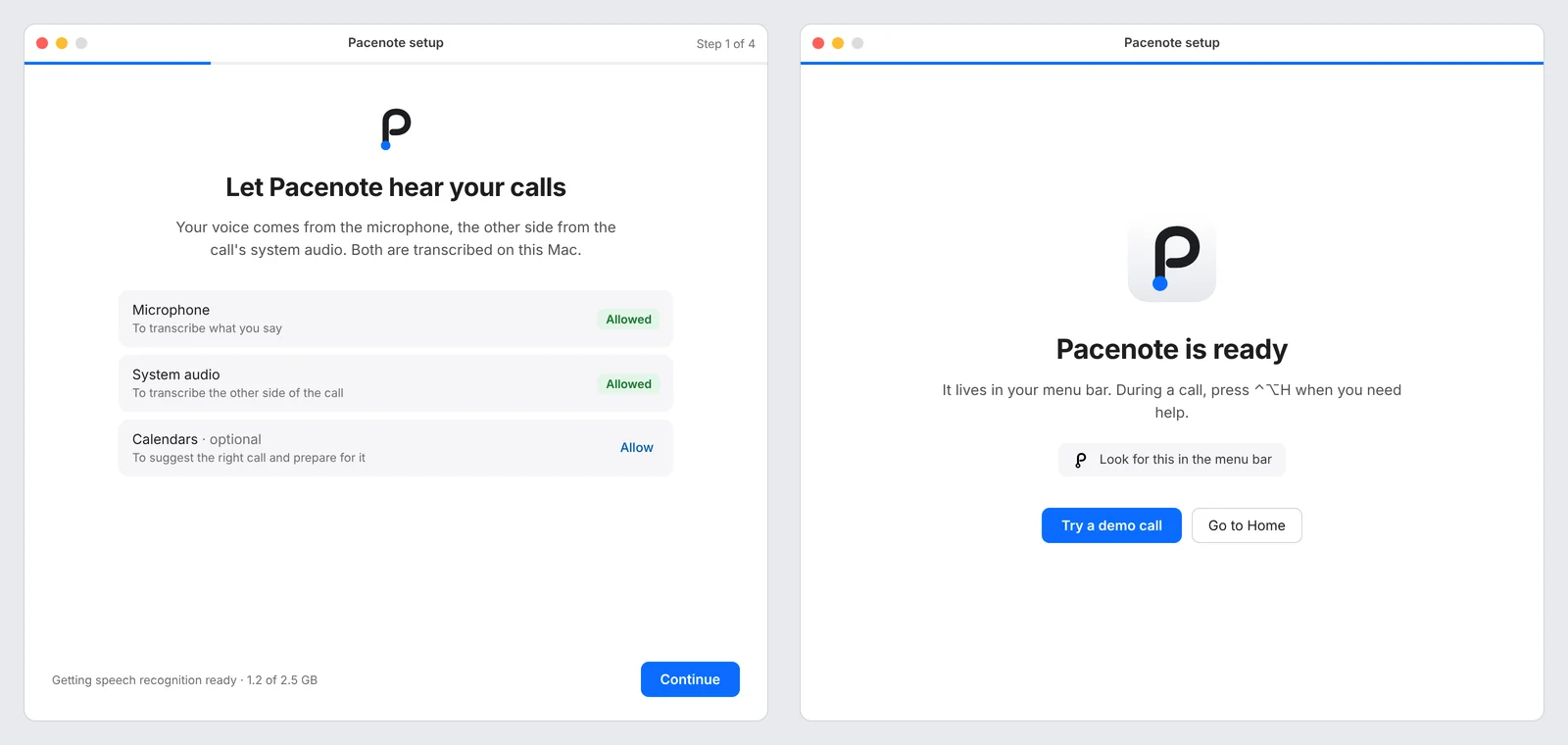
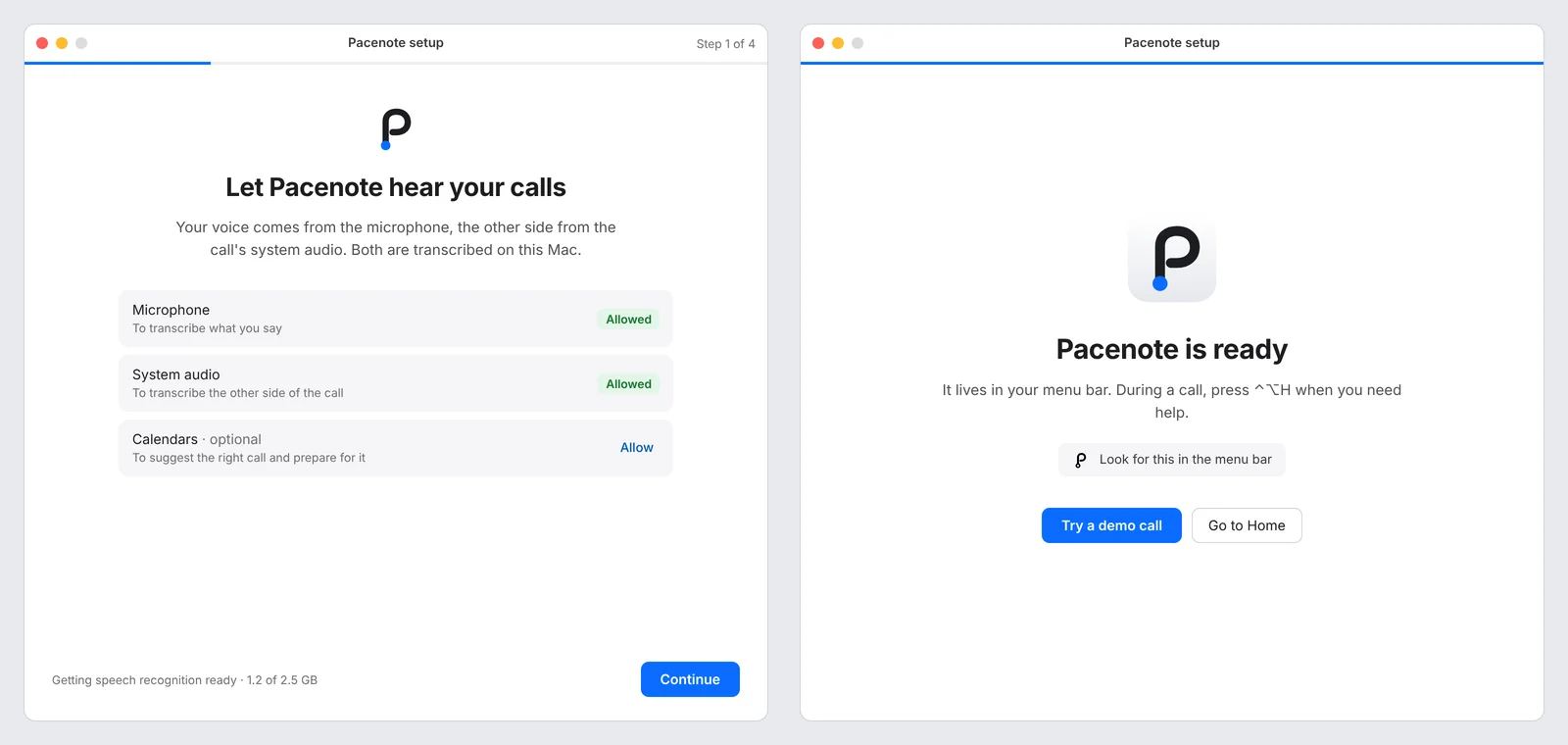
A menu bar app. Your Claude API key or your Claude plan through Claude Code, no chat to keep open during the call. Setup installs the speech model by itself.
macOS 14.4+, Apple Silicon. About 2.5 GB of local models on the first run. Beta, not notarized: on the first launch open System Settings > Privacy & Security and press Open Anyway. SHA-256 checksums.
For Claude Cowork users
Pacenote skill
The same tips inside your Cowork chat, on your Claude plan. Needs the recorder from the repository, about 15 minutes to set up.
Add it in Cowork under Skills, then follow the install steps.
Both run the same rules and the same recorder, so the tips behave the same way. Code and releases: github.com/bodco/live-tips.
What it does
Before the call
Home lists your calls from Google and Microsoft calendars; pick the one you join, say what matters, and Prepare writes a short brief and fact cards from your project folders and the documents you name. A few minutes, while you do something else. No time? Start anyway: tips when you are asked, HELP NOW and answers work without it, and a late preparation joins the call.
During the call
A small window under your camera: the answer when you are asked, your update when it is your turn, a warning on a new request. HELP NOW gives the next sentence to say.
Any language in, one language out
Set the call to one language and every speaker is written in it: Spanish on an English call comes out in English. Or keep each language as spoken.
After the call
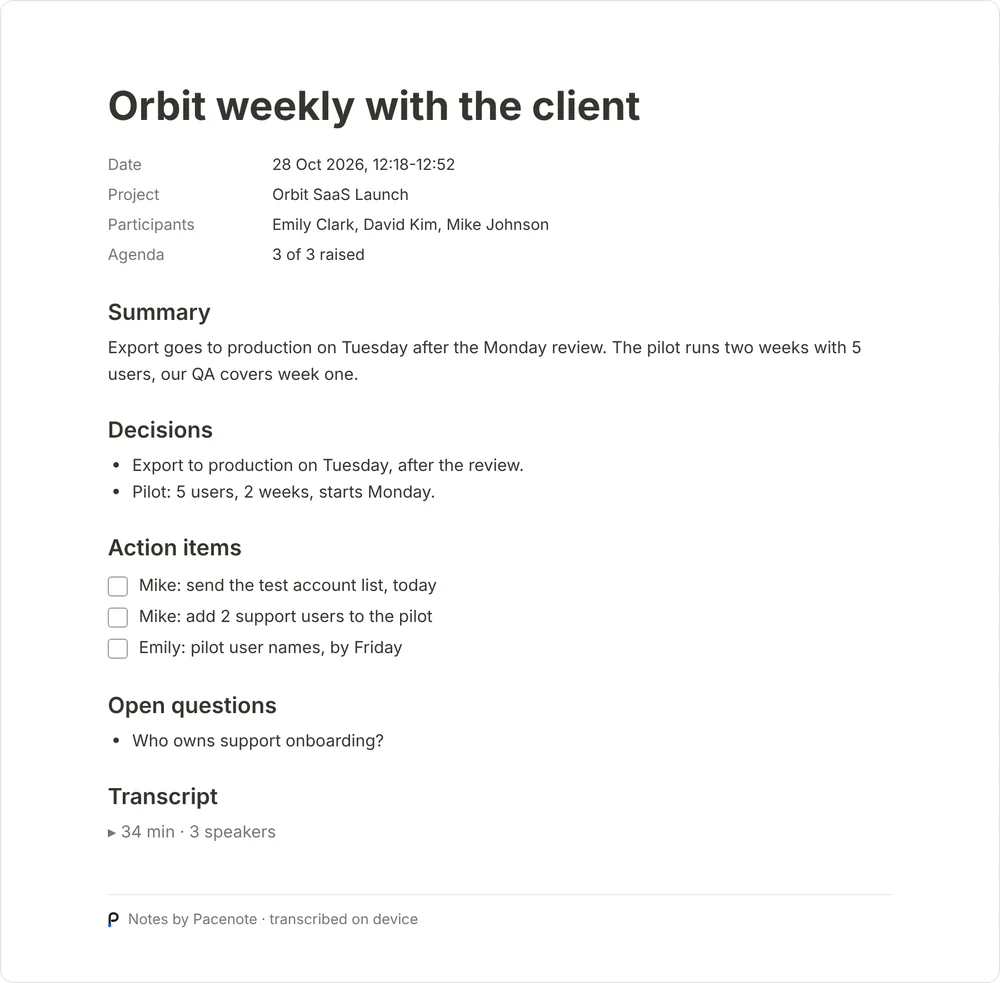
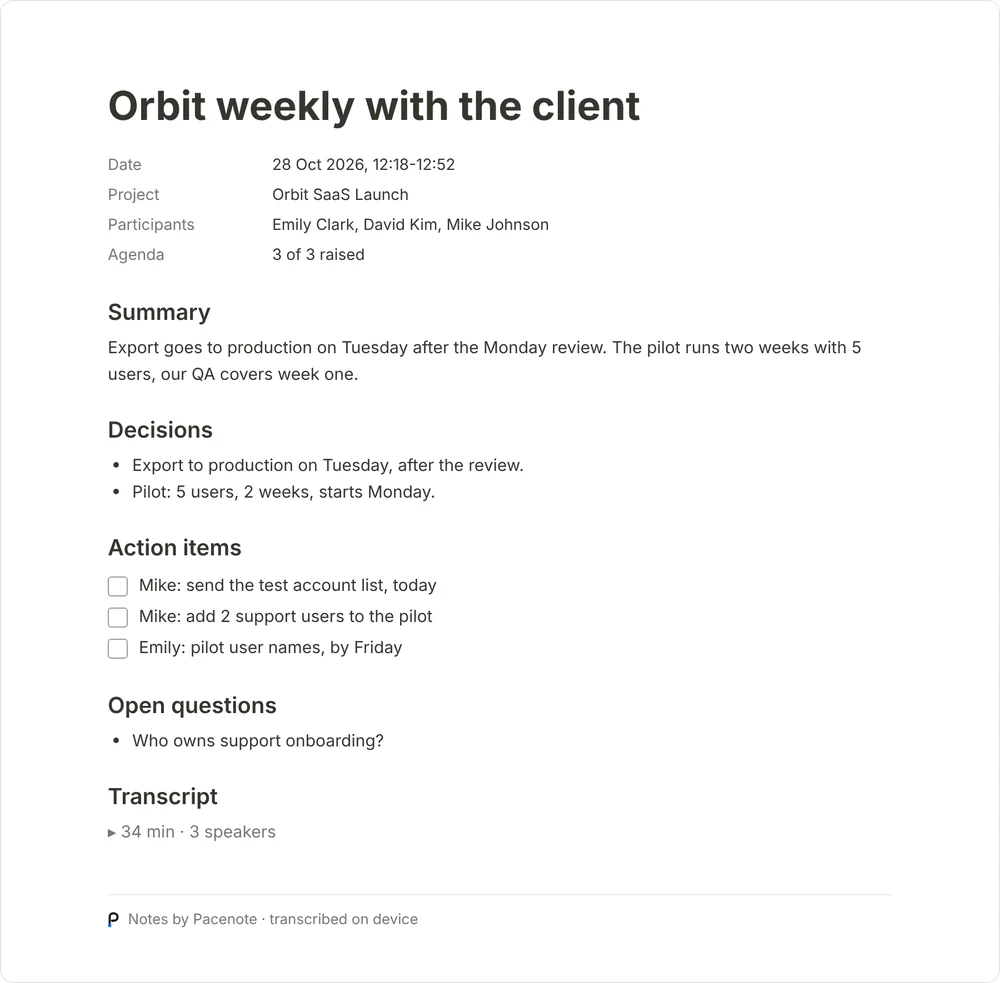
A Notion page in the call's language: summary, decisions, your commitments, new requests, open questions, risks, action items, the transcript as a sub-page.
How it looks
Pacenote 0.8 on demo data. The pictures follow the site’s light or dark theme.
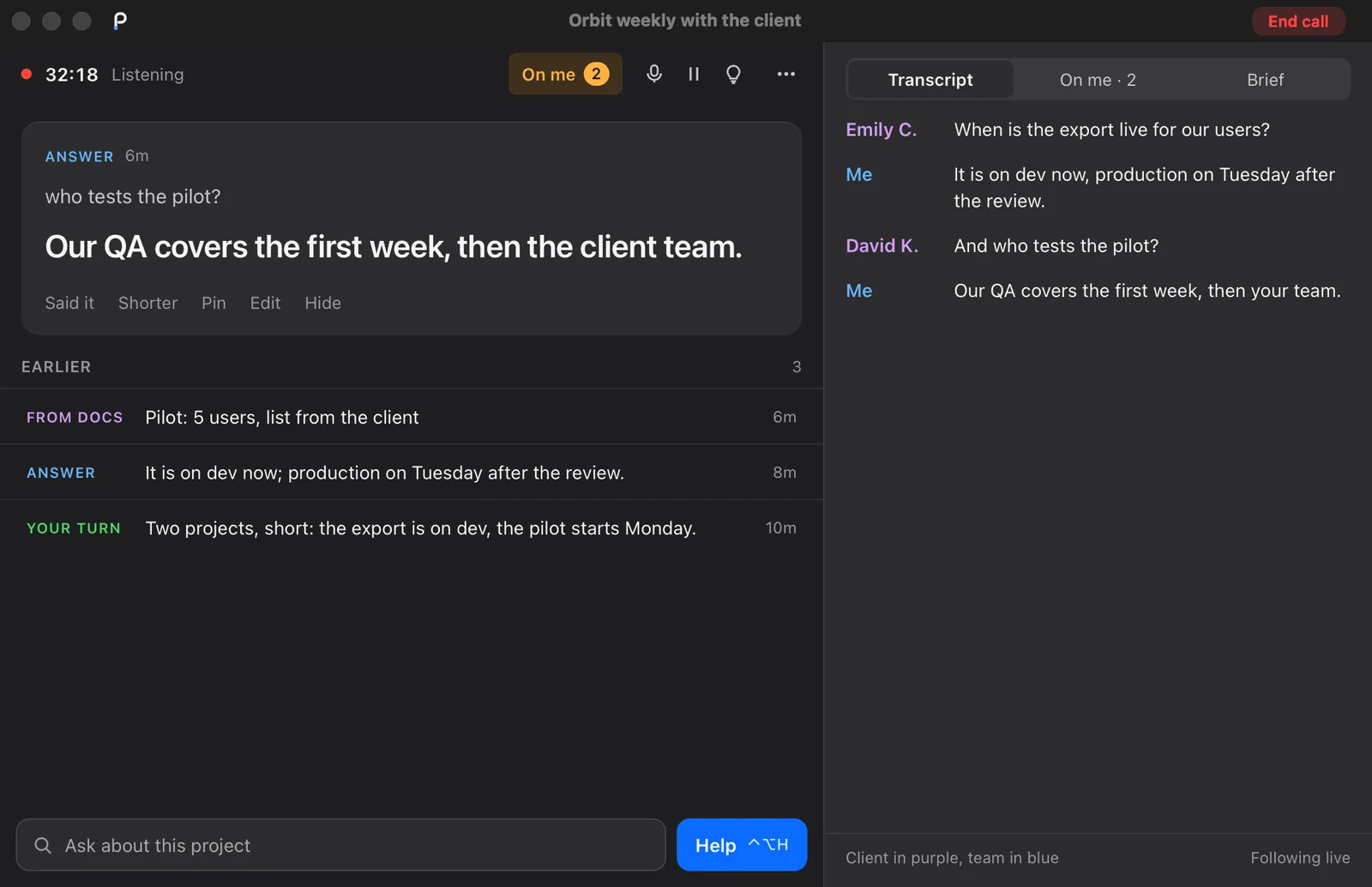
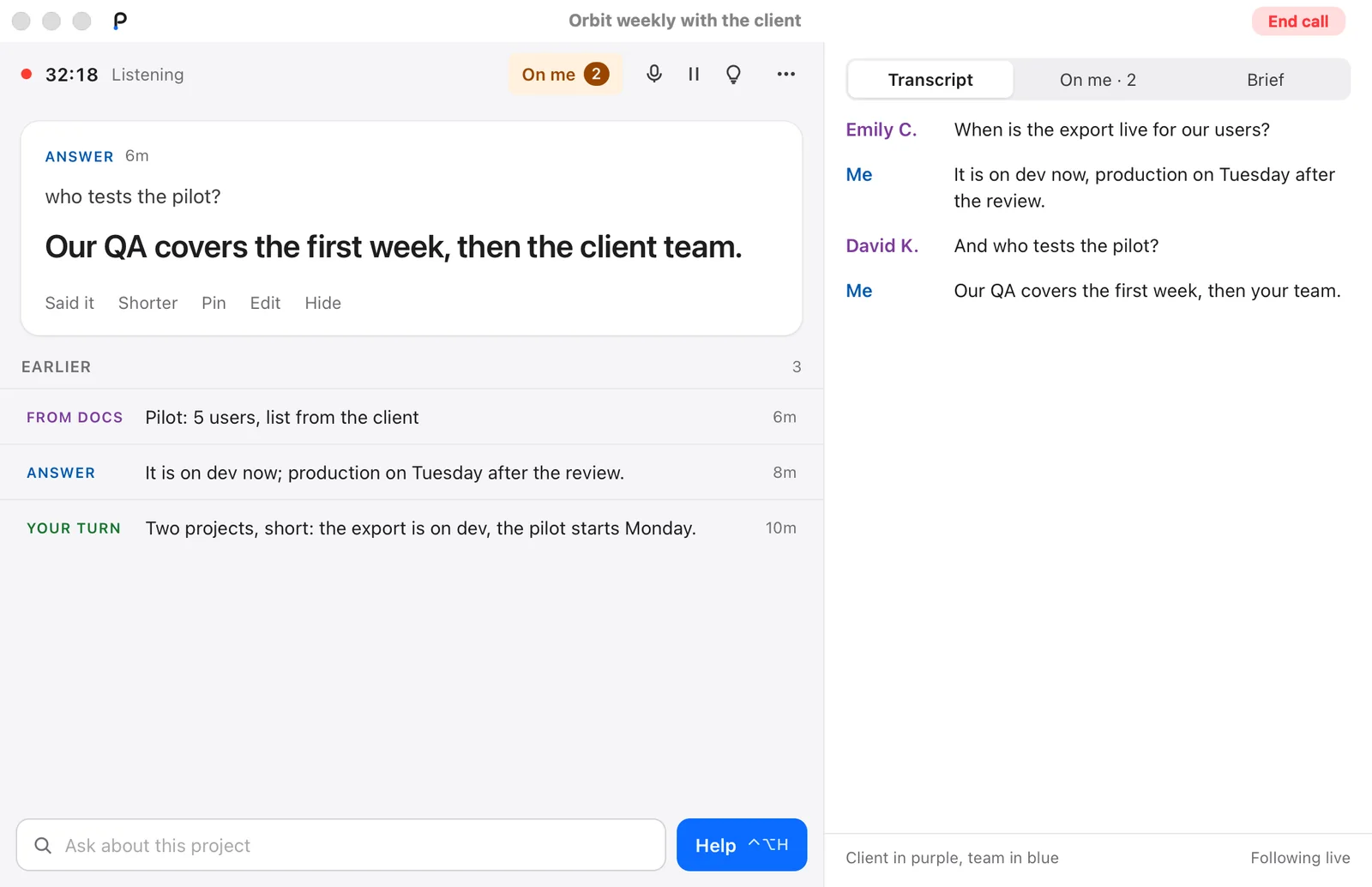
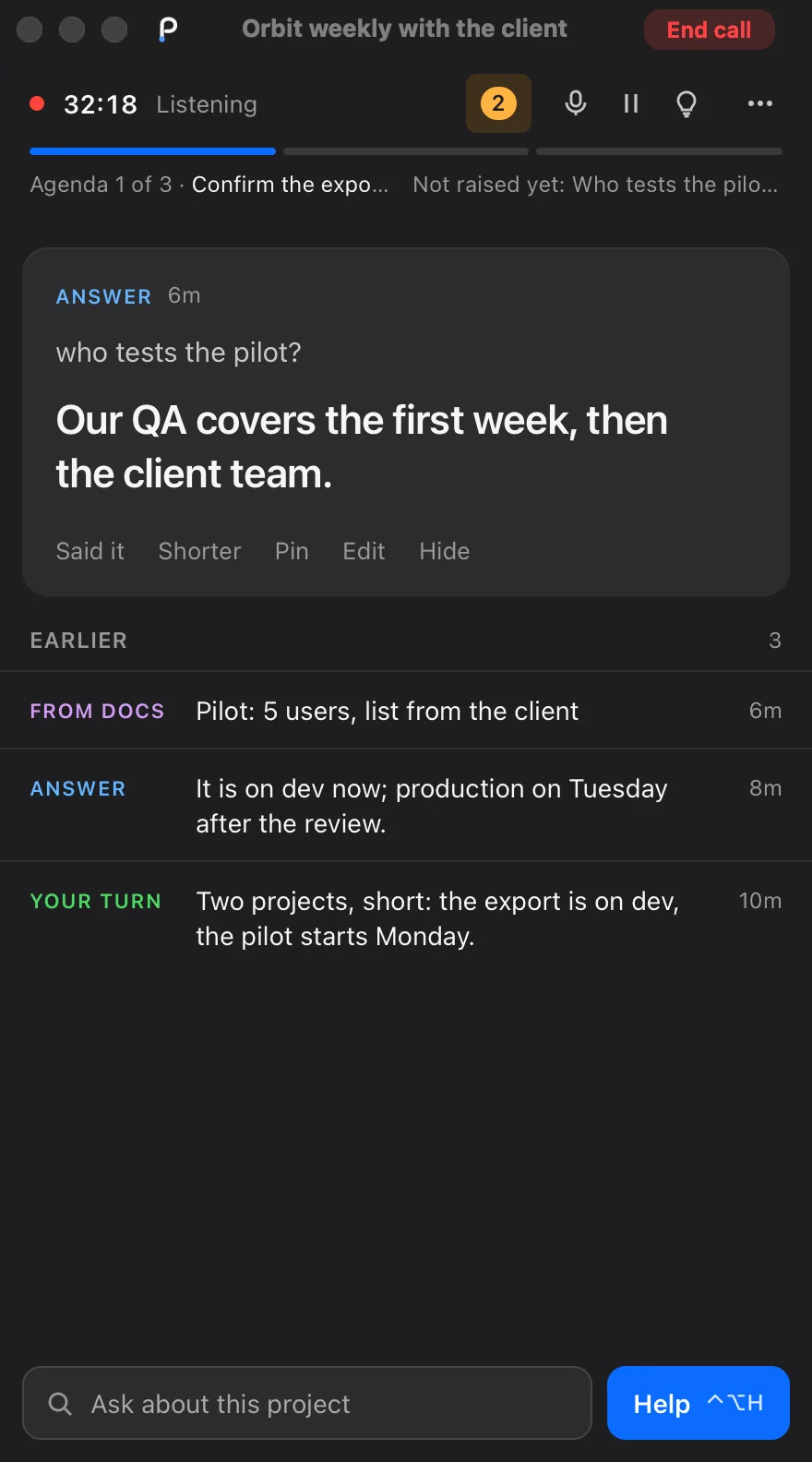
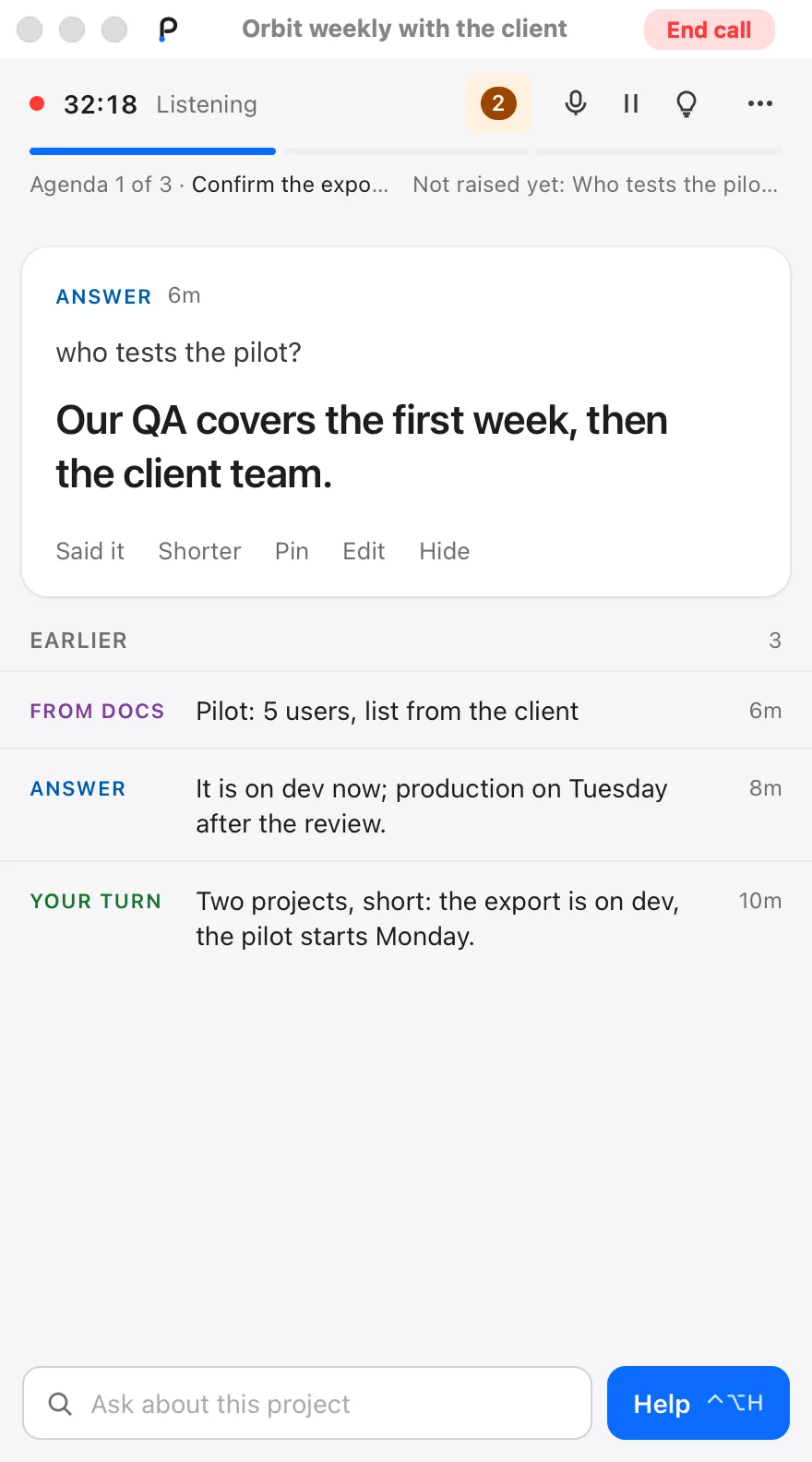
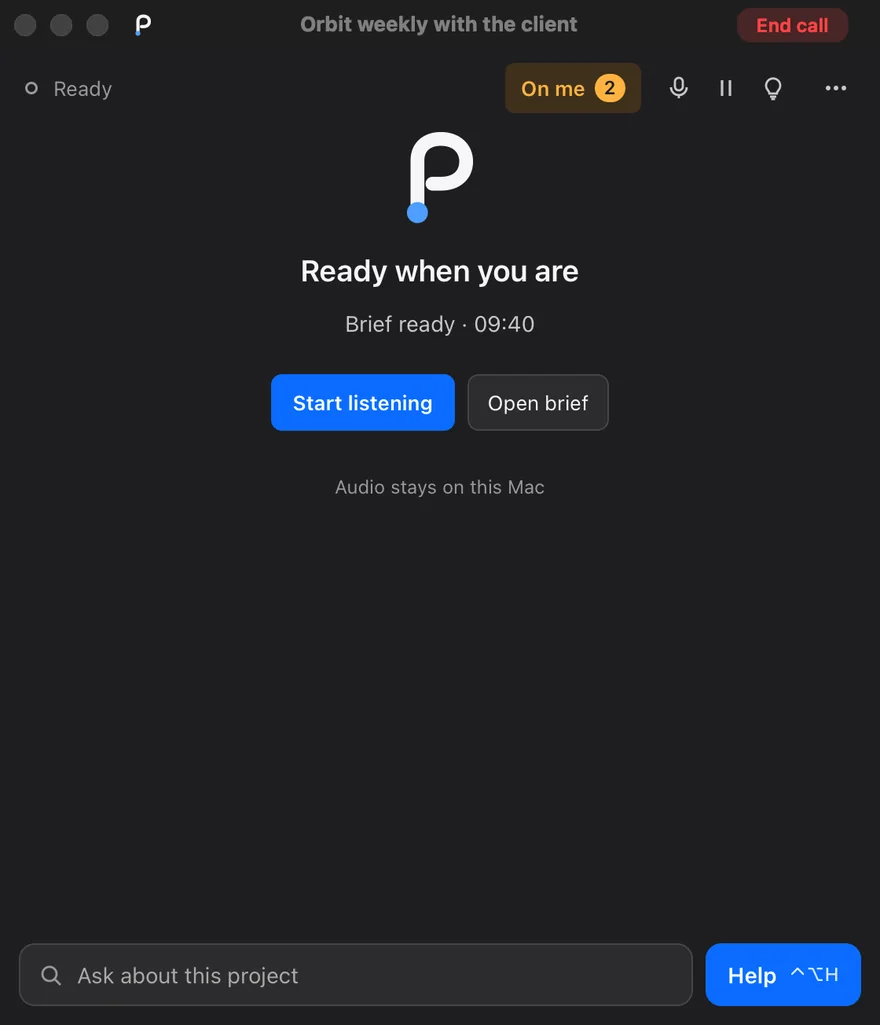
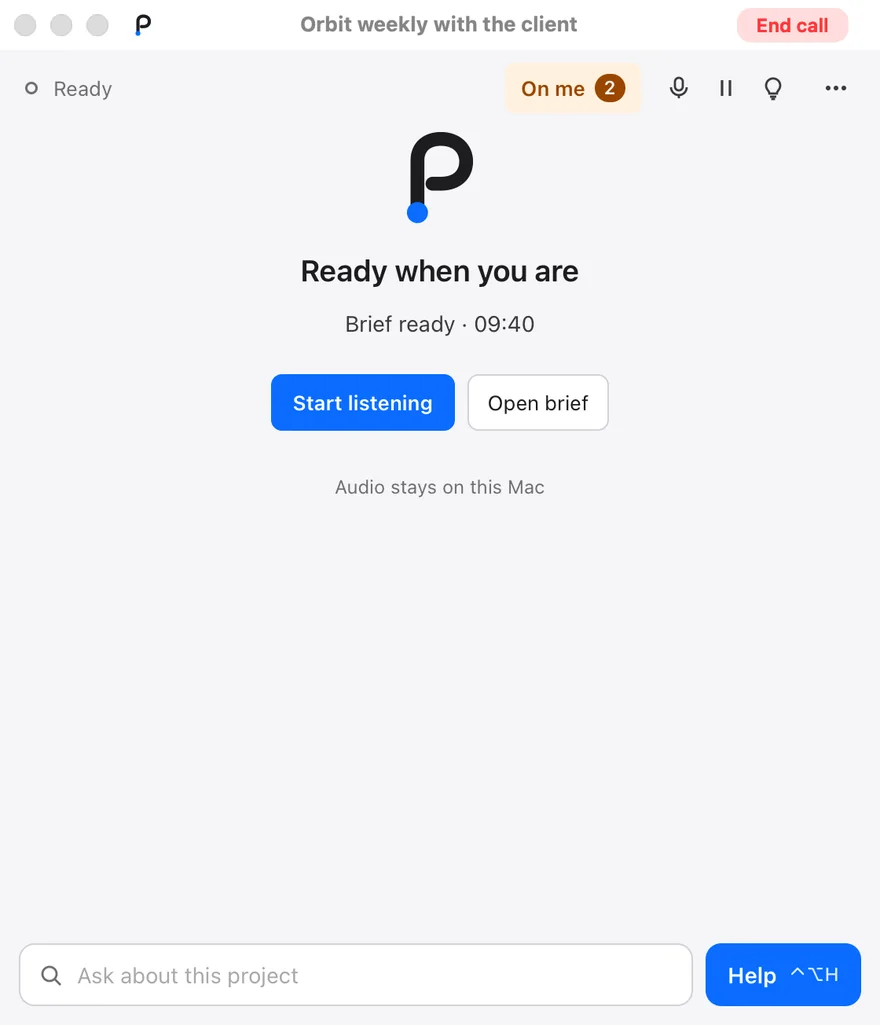
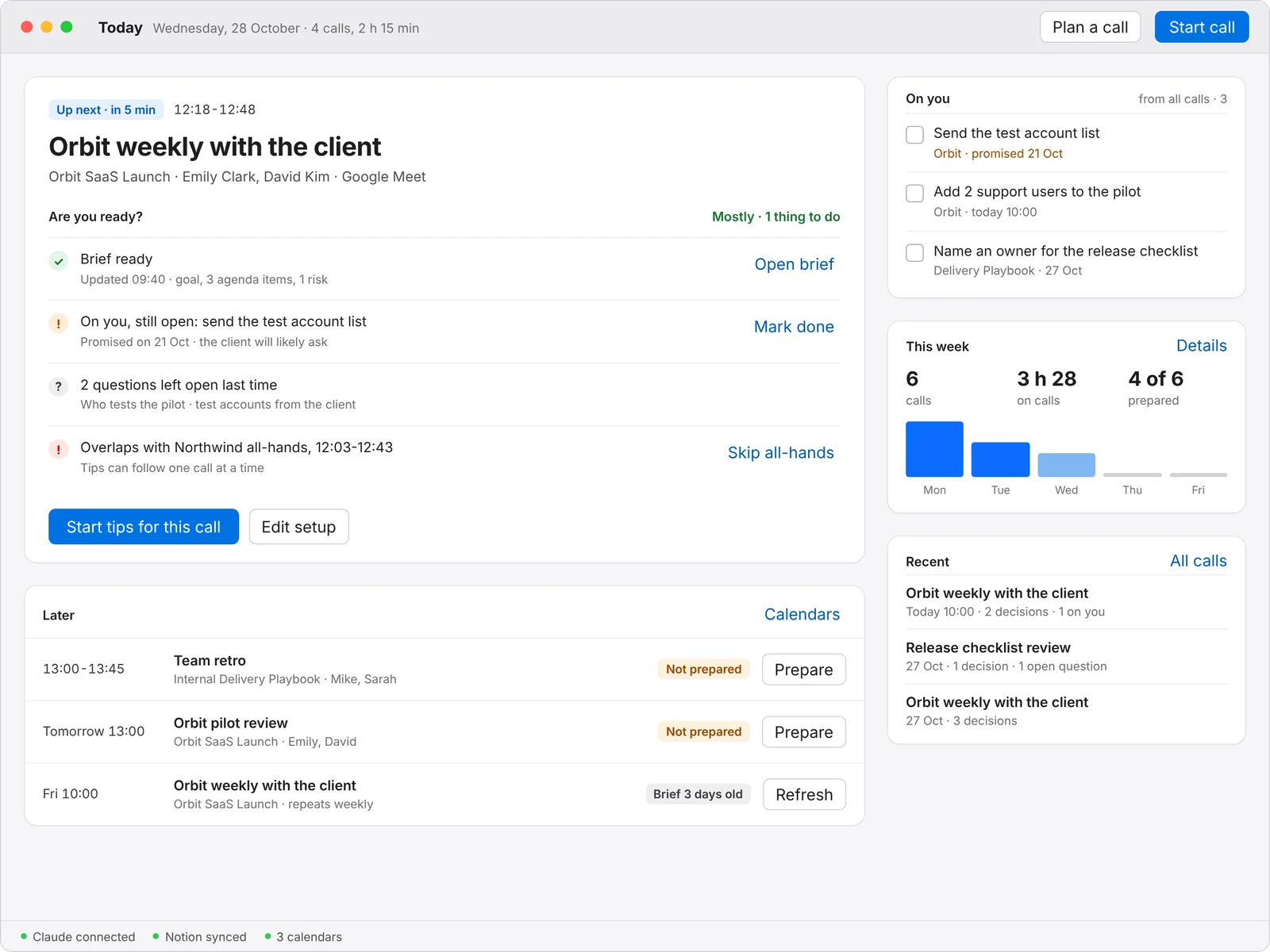
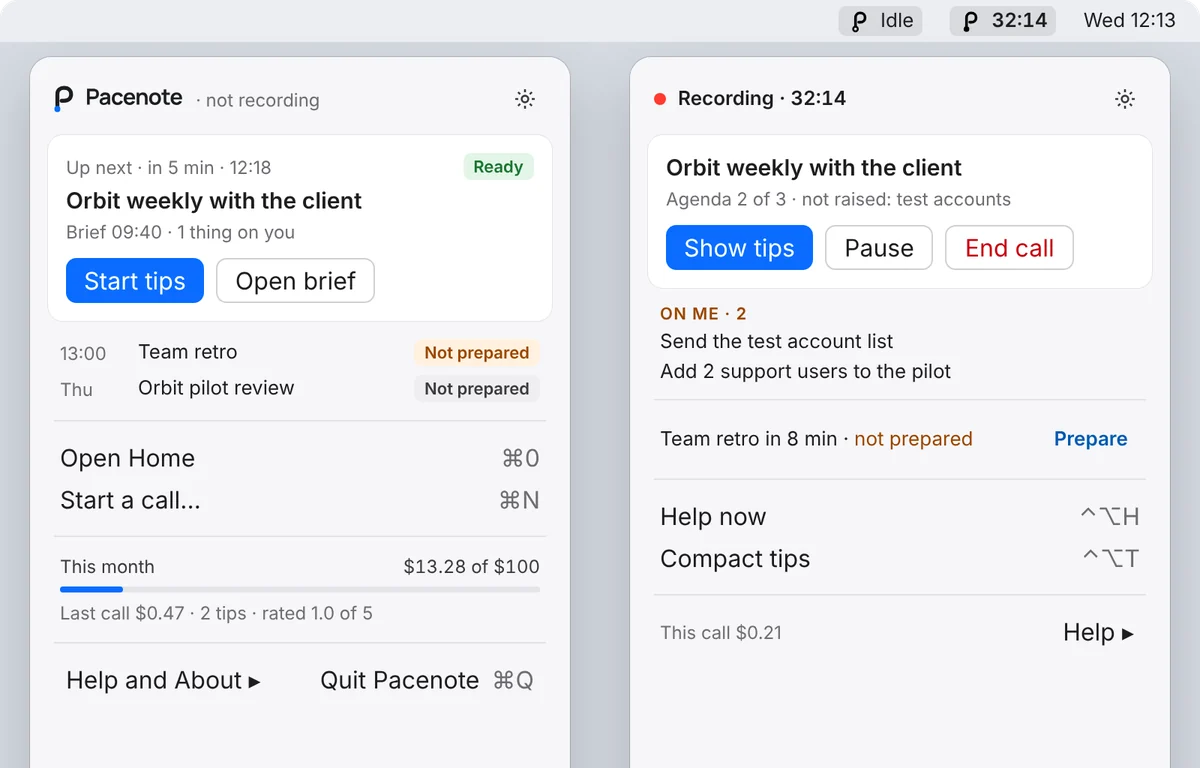
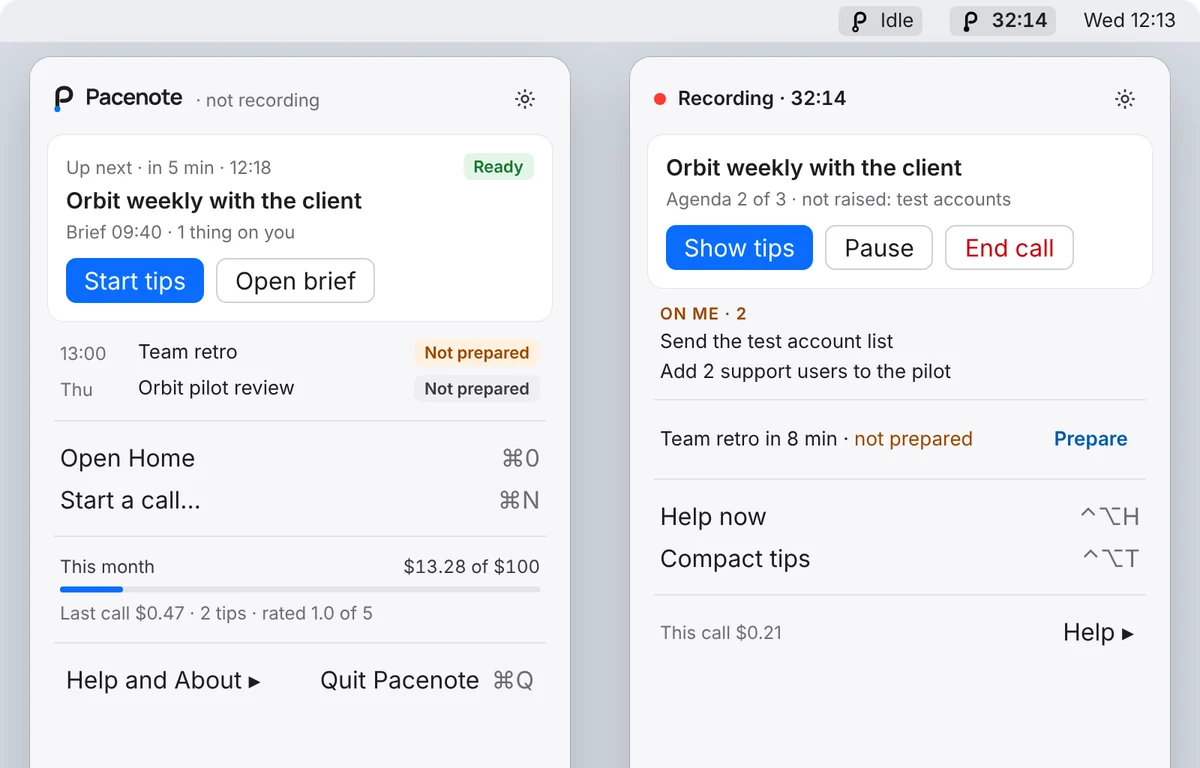
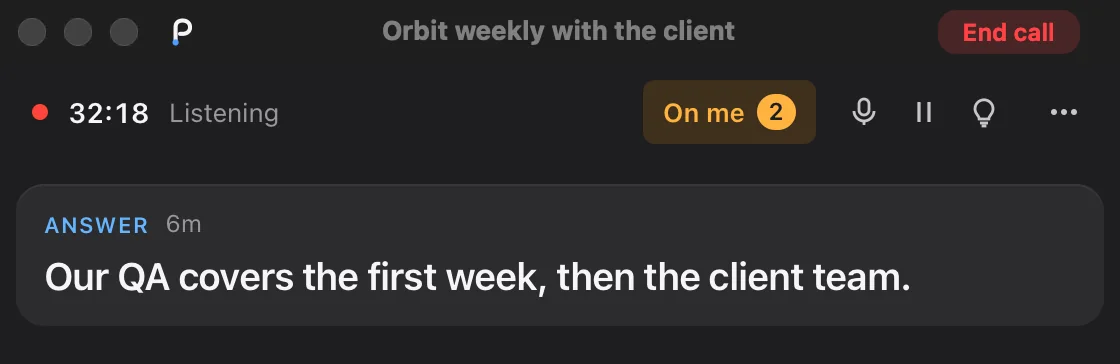
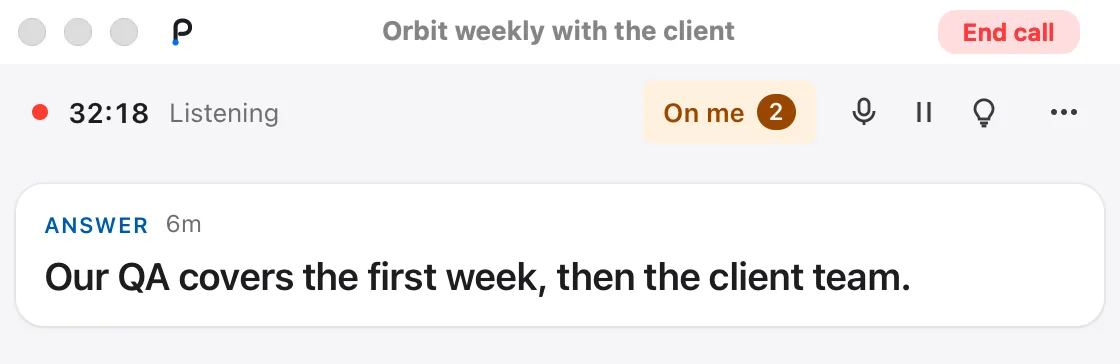
Home and your calendars
Home is the app’s main window: insights for any period, project or workspace (calls, time on calls, Claude spend, how many were prepared, minutes per day by project; click a day to see it), the call that is live, the calls ahead from your calendars and Up next with their preparation, and the calls already held with their Notion page, transcript and folder (remove one from the list with ×; the files stay). At the bottom: the Claude key, this month’s spend against your limit, the Notion copy, local AI and the calendars. Showing Home to colleagues? Settings > General hides your numbers.
Calendars through macOS, several accounts at once. Add your Google and Microsoft accounts in System Settings > Internet Accounts, then Settings > Calendars in Pacenote: tick the calendars that have your calls. Nothing to install and no extra sign-in; Pacenote only reads. Two or three meetings at the same time are normal: Home marks them, and you prepare and start the one you actually go to. A regular meeting starts from the settings and the “what matters” text of its last call, so you only correct them.
Back-to-back calls: Up next
A call is still running and the next one starts right after it. Open Plan an upcoming call (the menu bar, or ⚙ > Up next in the tips window), set up the next call and press Prepare: its preparation is written while you talk. Plan as many calls as you like; they wait in Up next, ordered by time, and their preparations run one after another. Only one call records at a time.
When it is time, Switch (or “End and start” in End call) asks once, ends the current call properly (the transcript is saved, the Notion summary is written in the background) and starts the next one in a couple of seconds, with its preparation loaded. A preparation that is still running goes on and joins the new call when ready; it never lands in the call it was not made for.
Why it is different
- Facts or silence. A tip carries a number, a date, a name or a ready sentence from your own material, or it is not shown. Red only when you are addressed.
- Your audio stays on your Mac. Speech is transcribed locally with Whisper; only text goes to Claude.
- It knows your project. Your preparation, your folders and, with PM Control Tower, your Notion pages and the project’s current state.
- Pay per call, not per seat. The app is free and open source (MIT); you pay Claude for what a call uses and set a monthly limit.
Pacenote vs Fireflies and Fathom
Fireflies and Fathom are mature note takers with team workspaces, video and many integrations. Pacenote is about the minutes while you are on the call, built by one PM. The honest side-by-side (price, recording, live help, preparation, summary, CRM, data), checked on 28 October 2026: Pacenote vs Fireflies vs Fathom.
Learn more
How it works and setup
Triggers, the tips window, presentation and interview modes, speakers, privacy, requirements and install steps.
Compared with others
Price, recording, live help, preparation, summary and CRM next to Fireflies and Fathom.
Code and releases
The app, the skill, the recorder and the full guide on GitHub. What changed: the changelog.
Not there yet: the summary in Google Docs or Word in your Drive or OneDrive. Planned.
For teams: we are thinking about it
Pacenote is a personal tool today. We have written down how a team could use it: project knowledge in one place, everyone preparing for their own calls, every summary in one place. It works now with Google Drive and Notion; a team server with roles, permissions and CRM connectors (HubSpot and others) is designed, not built. Read the design on GitHub.
Your calls and your data: privacy policy and terms of use.